Make one useful decision
How to Name Household PDF Files: Date, Subject, and Version
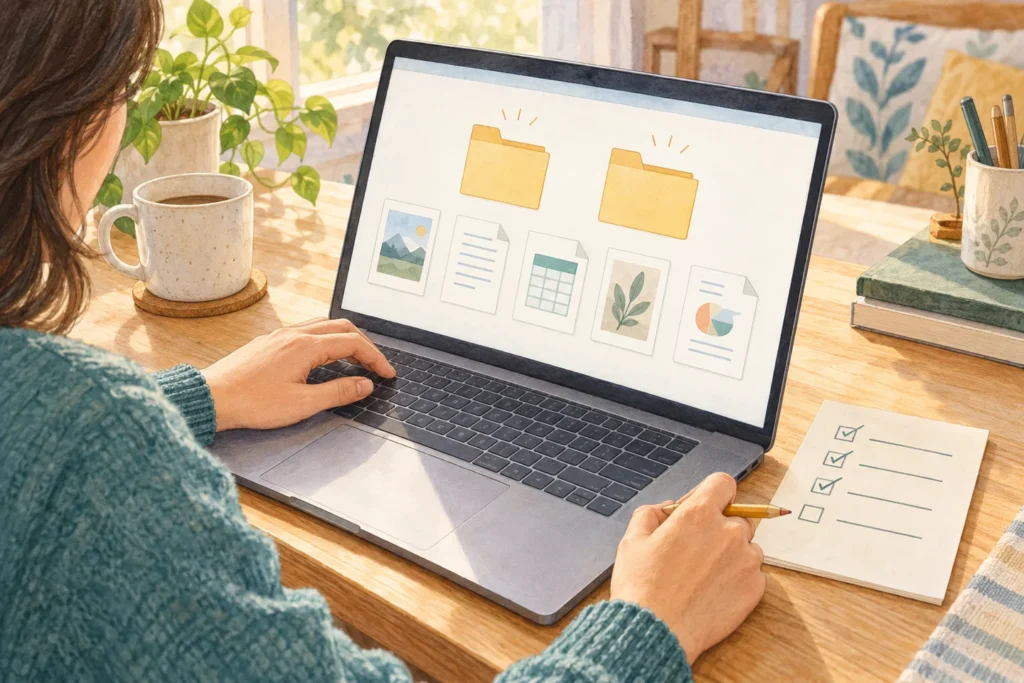
A PDF called “document” or “notice (2)” often needs opening just to identify it. Give household files a consistent date meaning and a specific subject, then distinguish versions when the contents actually change.
This is for personal copies and everyday notices. Follow any required naming rules for submissions, shared work, or regulated records instead of replacing them with this system.
Decide what a date represents
Choose a consistent format such as year-month-day. Then decide whether that date means the event date, the issue date, or the date you received the file. Mixing those meanings within one group can make sorting misleading.
Do not invent a date for an undated file. An event can also move after a filename has been chosen, so open the document before relying on its details.
Examples for different uses
| Purpose | Fictional filename |
|---|---|
| Find by event date | 2026-11-15_open-day-notice.pdf |
| Find by date received | 2026-11-01_building-inspection_received.pdf |
| Distinguish your own revisions | packing-note_v02.pdf |
These examples are not mandatory formats. Include enough subject detail to recognise the item without filling every name with extra fields. You can use words and characters that work on your own device and sharing system.
Separate versions instead of adding “final” repeatedly
Keep the issuer's original distinguishable from your edited copy. For your own documents, a version number can help. For received revisions, use revision information you can verify from the issuer. Receiving a newer file does not automatically establish that the old one can be deleted.
A suffix such as “(2)” may only indicate a repeated download; it is not proof of an official second edition. Compare the contents, issuer, and changes, and open the selected file before submitting or sending it.
Check before renaming
- Does the recipient or shared process require a particular name?
- Must the original name or history remain identifiable?
- Can you leave the .pdf extension unchanged?
Renaming does not convert a file into a different format. Some devices hide extensions, so avoid adding a second extension or removing the existing one by mistake. Renaming files used by shared links or automated processes may require agreement first.
Start with files you will use again
You do not need to rename an entire archive tonight. Start with current files and documents you repeatedly search for, then check they still open from their storage location. Avoid putting unnecessary addresses, account information, or other sensitive details in filenames, which can be visible when sharing or showing a screen.
Ricoh's Japanese guide to filename conventions discusses consistent dates and meaningful names. The household examples here are our suggested application, not an official requirement.
Your naming rule
Files this rule applies to:
Date meaning and format:
Subject words I will search for:
How revisions are distinguished:
Exceptions where a recipient's rule applies:
First decide whether a file should be retained at all using the Downloads-folder review guide. Clear names do not make unnecessary duplicates worth keeping.
Reference checked 29 October 2026.